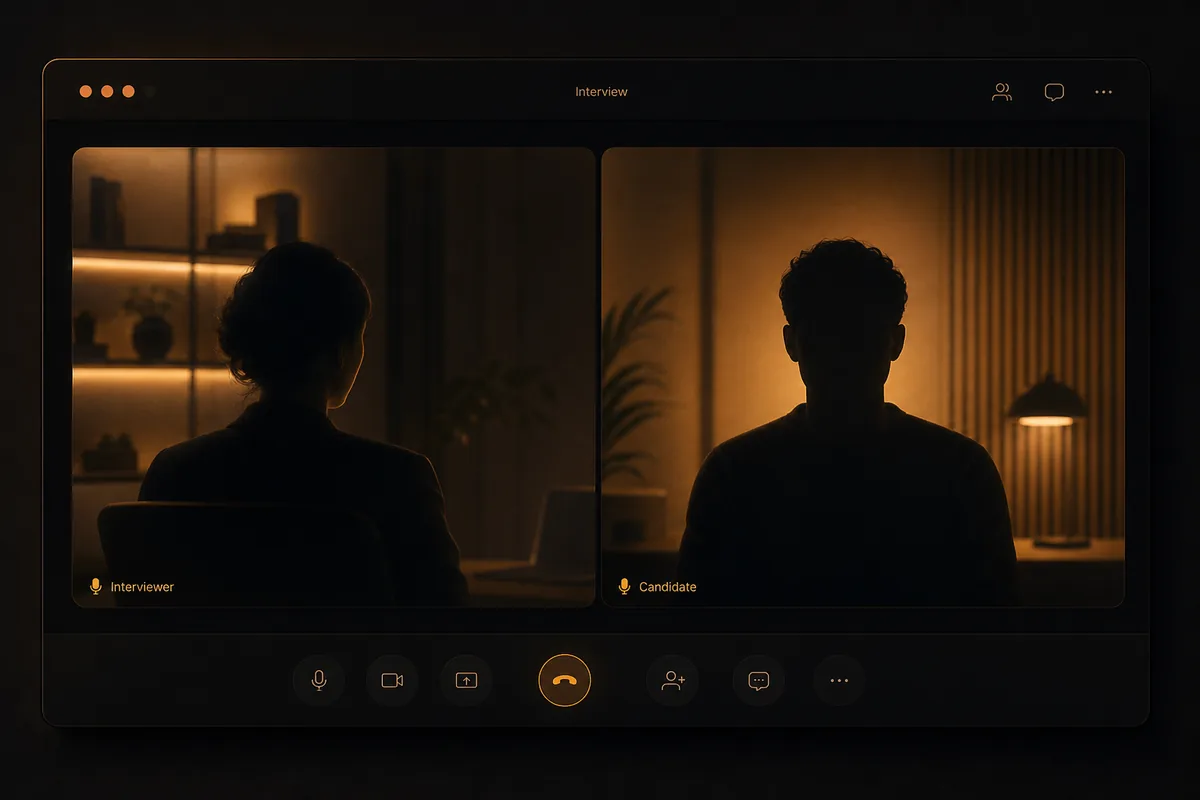
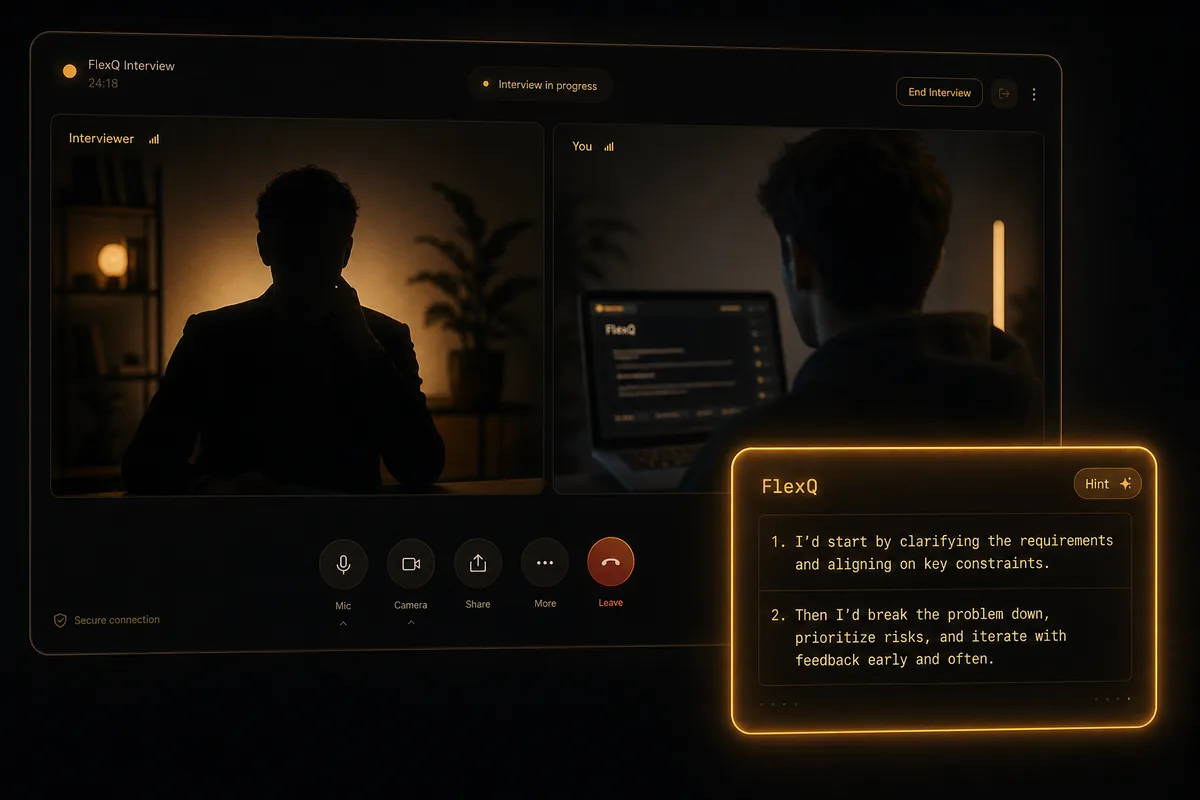
FlexQ is a real-time AI interview copilot for macOS and Windows. It hears the interview question and shows you exactly what to say, the instant you're asked.
On work calls too: an AI meeting assistant that cues you from your project folder.

FlexQ is a desktop app for Mac and Windows. Drop your email — the download link will be waiting when you're back at your computer.
No card — walk away if it doesn't land.
Mac & Windows — pick your build

You know the answer. It vanishes the second they ask.
Not ignorance — nerves. Only one of those needs a tool. FlexQ catches the answer for you, while you're still in the conversation.
A quiet on-screen whisper while you're still looking at them — not in a summary after the call. You stay in the conversation, not searching your memory.
One click. Every answer grounded in your real work — no prompt-writing, no ChatGPT detour.
A different angle, a fresh story, or turn the question back on them — one tap rewrites the line.
The moment you hang up — a clean summary, the key points, and the follow-ups. Review it and walk into the next round sharper.
The FlexQ panel sits on your own screen. For its window FlexQ turns on macOS content protection (setContentProtection), so its window can be excluded from a single-window share. How this works depends on your sharing tool and mode: check before the call. On Windows it needs Windows 10 version 2004 or later.
One click builds your interview brief. FlexQ walks in knowing your background and the role.
FlexQ listens to the call and quietly shows cues on your screen.
Say it in your own words. Get a clean summary of the call — key points and follow-ups — the moment it ends.
A voice interviewer built from your résumé and the job description — it asks, listens, and probes exactly where you're thin. At the end: a scored report that doesn't flatter you.
Sign up and get 3 free mock interviews — no card, full scored reports. Monthly and the 90-day Pass include ongoing practice, and it never touches your live hours.

You still said it in your own words. They just came faster.
i've shipped real systems in more languages and teams than i can keep straight. i still blank on the textbook trivia in round three. (everyone does. they just google it after the call.) interviews stopped testing whether you can do the job. so i built the thing that hands me my own answer back, the second my brain drops it.
Start free. When you need more, Starter is $15 one-time for 3 live hours.
Download and go live in under a minute. Your first 30 minutes are on us, no card required.
One offer. Pays for a year.
Prices are in US dollars (USD). At checkout, Stripe may show the amount in your local currency.
Full pricing: cost per live hour, refunds and plan FAQ
Every plan covers English plus Spanish, French, German, Italian & Portuguese — with Russian and other languages supported too.
30 free minutes, no card. Download and go live in under a minute.
FlexQ is a desktop app for Mac and Windows. Drop your email — the download link will be waiting when you're back at your computer.
// while it downloads
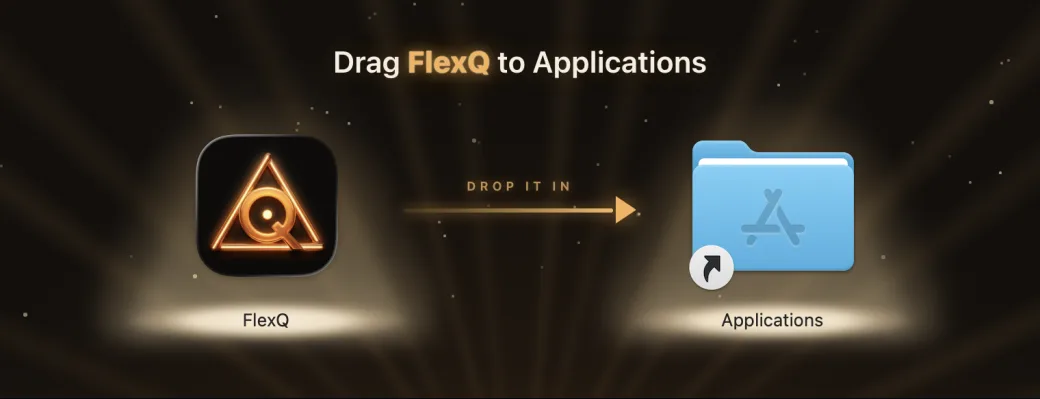
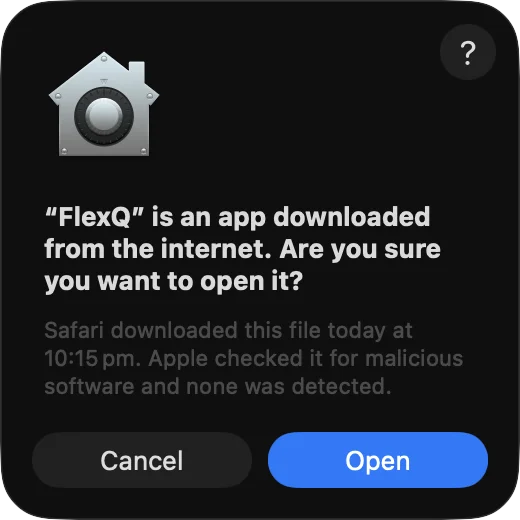
Not installed yet? The FlexQ .dmg is usually in your Downloads folder. Open it and drag FlexQ into Applications. If macOS asks whether you want to open it, click Open.
Download againFlexQ is notarized by Apple. The first time you open it, macOS asks you to confirm once. After that it opens like any other app.


Sign in with the same email. When FlexQ asks, allow Microphone and Screen Recording (Screen & System Audio Recording on later Sonoma updates and on macOS 15 and later). FlexQ links you to the right System Settings page. Permissions and fixes, step by step: Mac setup guide.
Stuck? Step-by-step help →