Out of the spotlight
FlexQ floats above your windows and stays out of screen shares and recordings — your assistant doesn't need to be the star of the meeting. ⌘⇧E hides everything instantly.
 FlexQ
FlexQ
$ flexq --live · listening…
FlexQ is a real-time call assistant: live transcript, instant recall of names, numbers and decisions, a quiet nudge when you blank. Every meeting gets the best version of you — better for you, better for everyone on the call.
Free & open source · Apple Silicon · your own API keys
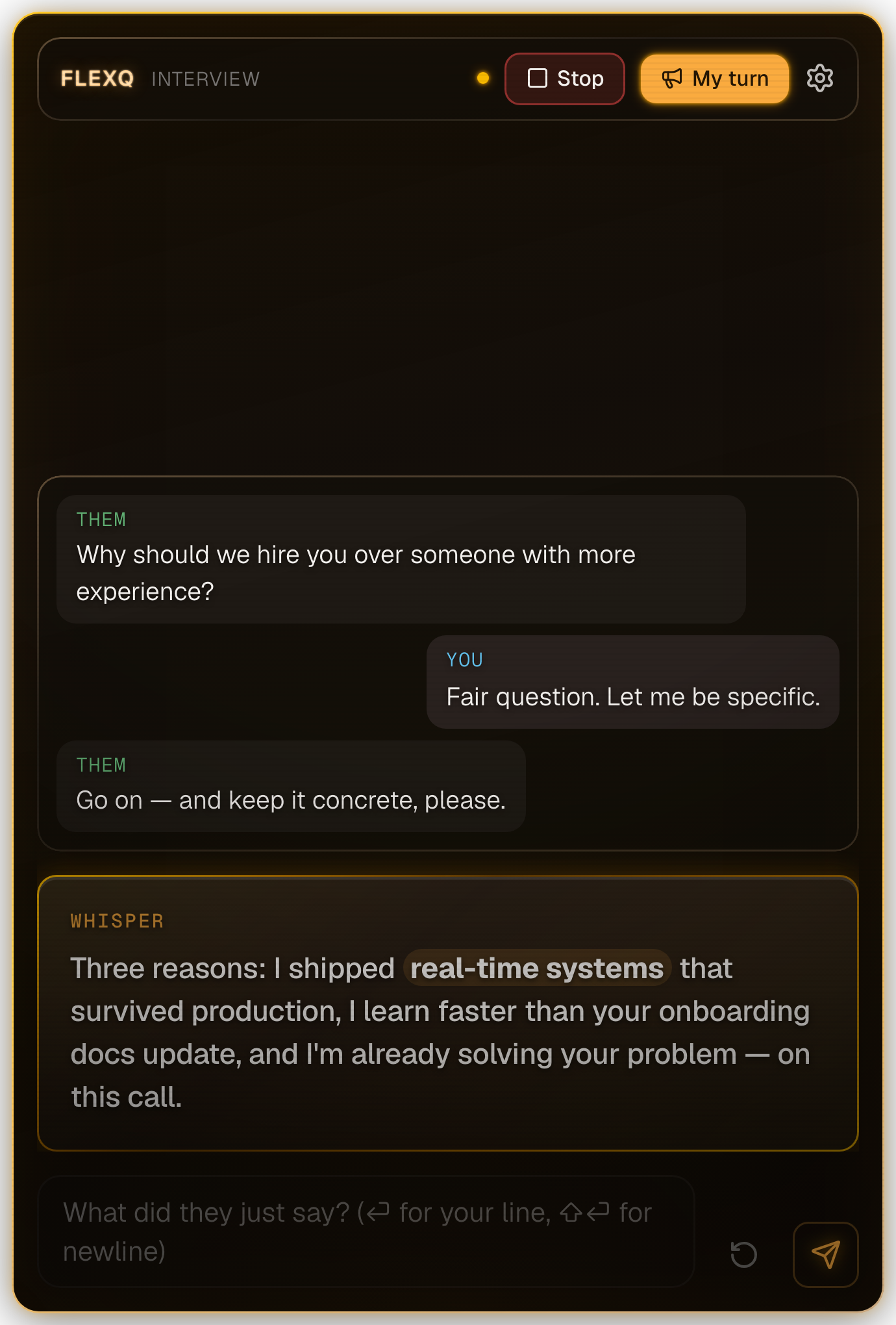
FlexQ floats above your windows and stays out of screen shares and recordings — your assistant doesn't need to be the star of the meeting. ⌘⇧E hides everything instantly.
Pick your Gemini tier: ECO / BALANCED / QUALITY. Keys stored OS-encrypted, requests go straight from your machine to the provider. Nothing in between.
Attach a project folder. FlexQ indexes it and backs you up with real facts about your own architecture — names, files, decisions.
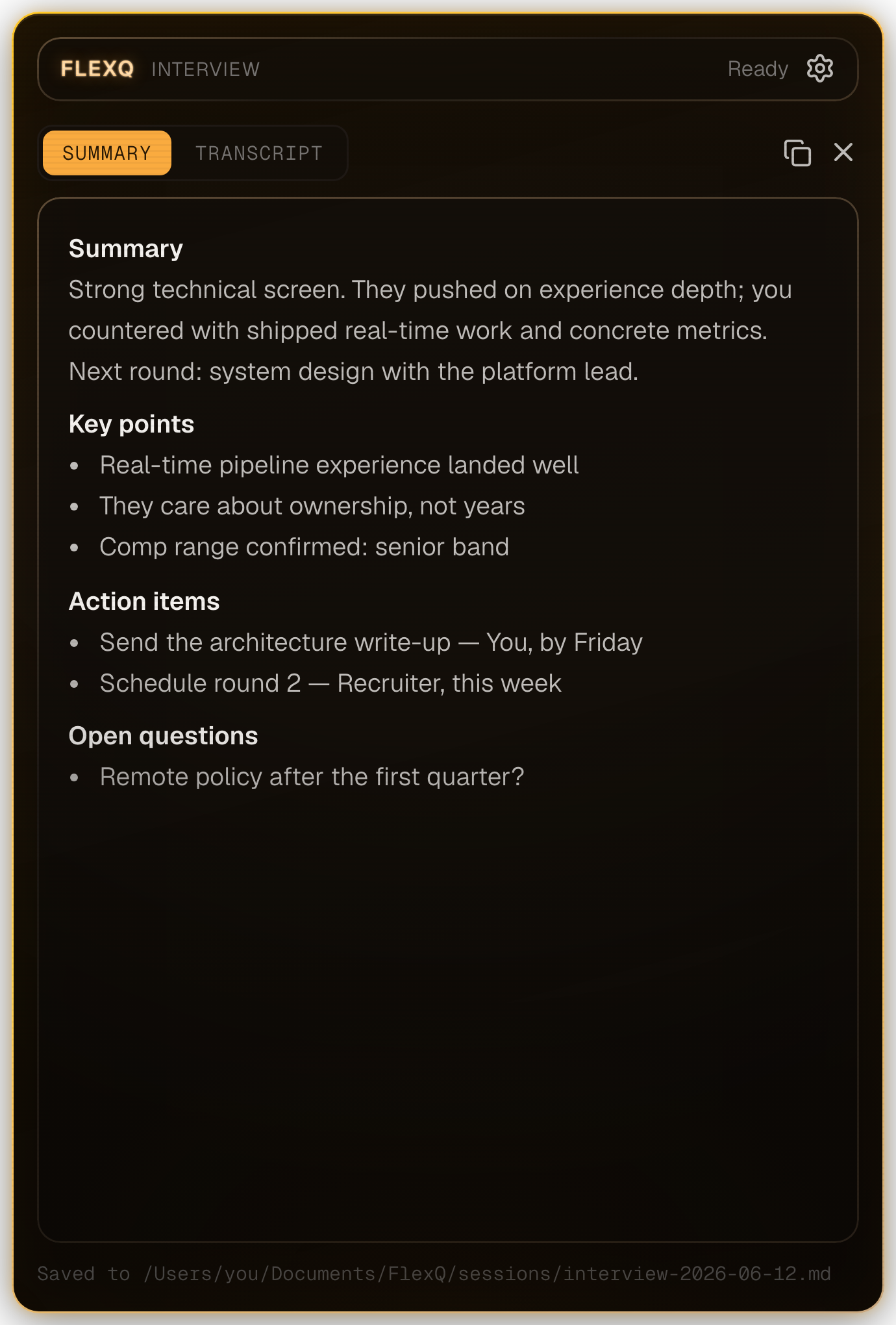
Every session ends with a structured summary, action items and the full transcript — saved as markdown on your disk. Last week's numbers and promises are one search away before your next call.
// OPEN SOURCE
We don't want your data. We don't even want your keys — there's no server to send them to. FlexQ runs entirely on your machine, talks only to the AI providers you configure, and every line of code is public. Found a rough edge? Have an idea? Issues and pull requests are very welcome.